Yet Another System Installer
- :fontawesome-brands-html5: HTML for content and structure
- :fontawesome-brands-js: JavaScript for interactivity
- :fontawesome-brands-css3: CSS for text running out of boxes
- :fontawesome-brands-internet-explorer: Internet Explorer ... huh?
Introducing Yasi
Yasi is a set of tools that together, form a utility that installs an operating system to a computer.
It can be customised with branding and back-end commands so that it works on a multitude of different systems.
Typically, it is the operating system vendor that will integrate Yasi into their system, although we also make some pre-built images available for testing Yasi itself.
User Interface
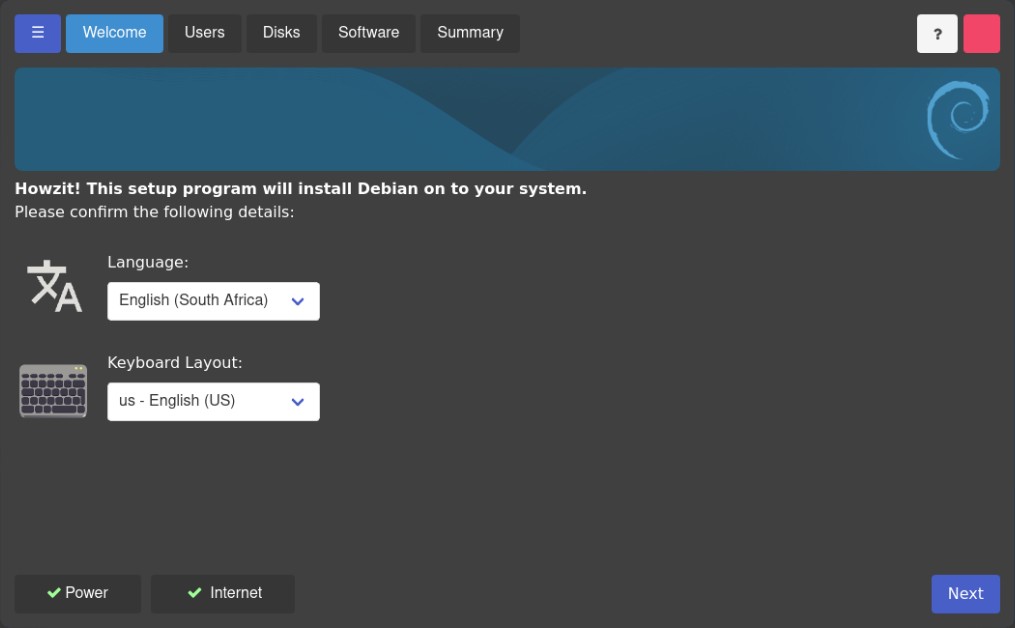
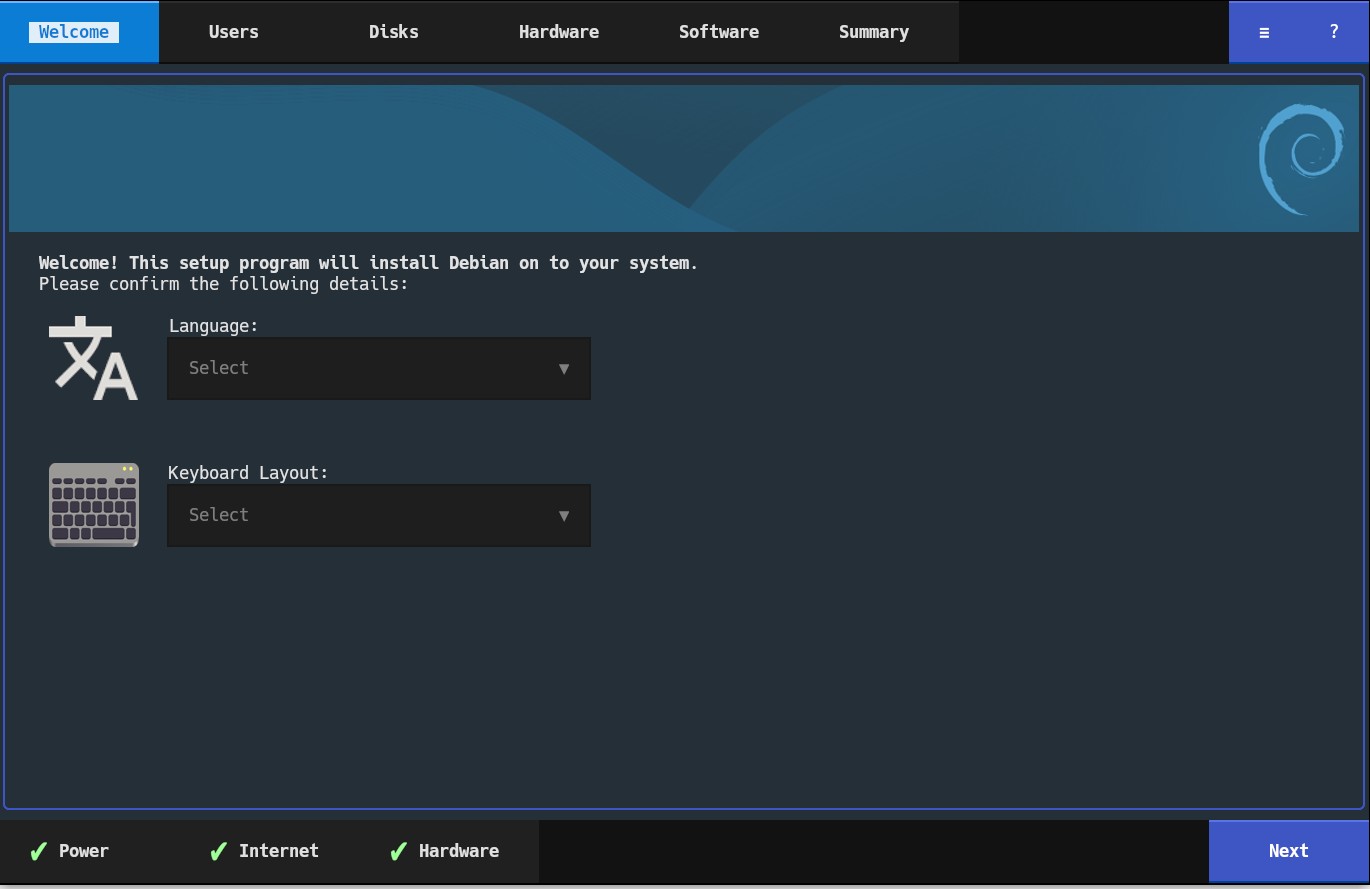
Yasi's primary interface is a web UI. You wouldn't tell it by first glance, since it launches, appears and works like a typical standalone application.
Yasi also has a Text UI (TUI) interface. Due to severe limitations on TTY consoles, it doesn't directly support those, although it runs in modern terminal emulators such as kitty, foot, Windows Terminal, iterm2, etc. It uses modern features such as images and high colour support.
Development hasn't started on the chat interface yet, this is meant to be ease development for interfaces for people who are visually impaired, and also if you'd like to configure the installer via a serial console.
Currently, the Web UI mostly works. The TUI interface is in a state where experiments is taking place in making the interface fit into a TUI. The next step is that there's a simple language (probably in yaml or toml) that describes pages that can easily be programatically generated for each interface.
Project Status
Overall, it's in a pre-alpha state. It's not yet usable for real-life, production use.
Although, it is capable of installing a Debian system, with some caveats, for example, it doesn't currently configure an fstab, so the resulting system is mounted in read-only (although that's easily fixable by enabling rw mode from GRUB or manually writing an fstab, this will be fixed soon).
Yasi's front-ends work by configuring a text file that is then passed to DMM (Distribution Management Modules), which actually does the work. DMM itself is in an early state, but it's capable of doing basic installs and building ISO images that host Yasi.
Many basic options work on the web version, although the biggest missing parts are with the partitioning module. The initial goal is to have all basic partitioning functions working before the end of 2026, and then focus on the advanced partitioning options after that. It's not blocking other Yasi goals, so additional functions will continue to be added.
Yasi, even in it's early state, is already packaged in Debian. From a Debian testing/unstable live image, you should be able to do the following in a terminal and try it out:
sudo apt update
sudo apt install yasi-daemon yasi-webclient
sudo yasi-daemon &
yasi-webclient
Take extreme care when running Yasi
Yasi is in an early state, and prone to unpredictable bugs. Do not run it on production hardware, or trust it to perform any production installations.
This website is also in a very early state, and is being fleshed out.